New Control your agents from your phone
Run AI coding agents
Run AI coding agents
in real sandboxes.
Claude Code, OpenAI Codex, and Pi. Each in its own microVM. See what they're working on at a glance, then review and merge their changes.
Requires macOS 14+ · Apple Silicon
Note: the app is not yet notarized, so macOS Gatekeeper will block it on first launch. See the README for the one-time unblock step.
Runs out of the box
- Claude Code
- OpenAI Codex
- Pi
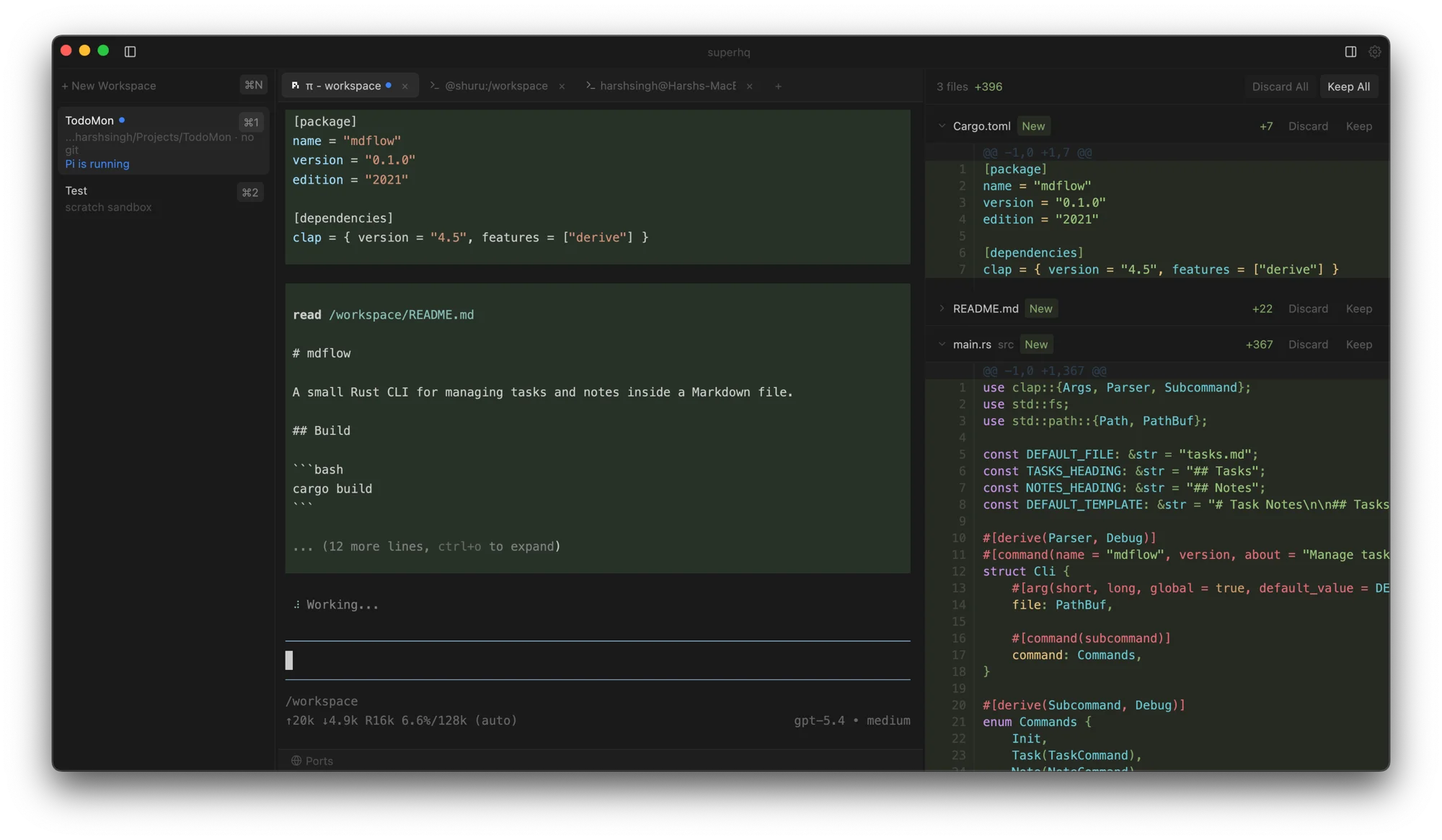


Remote control Check in on your agents
Check in on your agents
from anywhere.
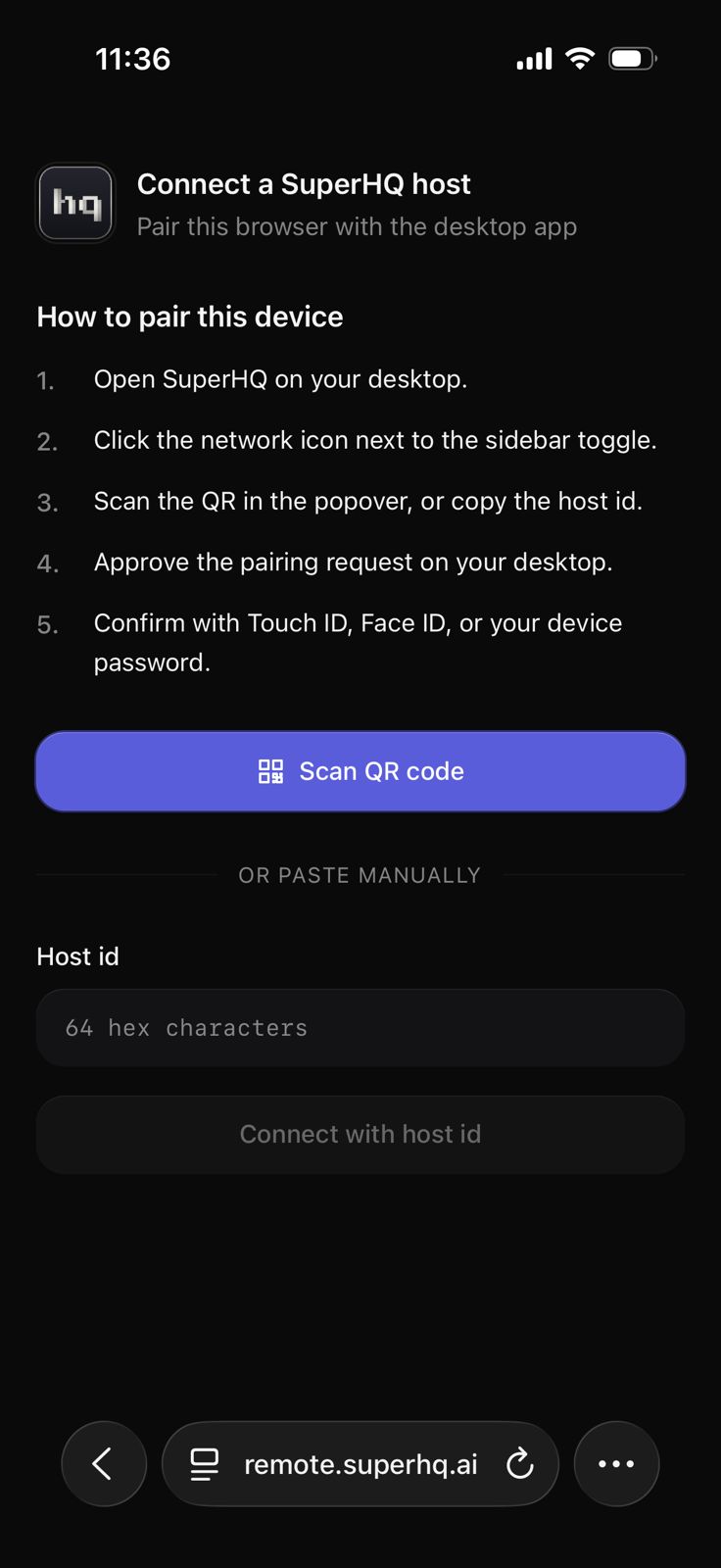
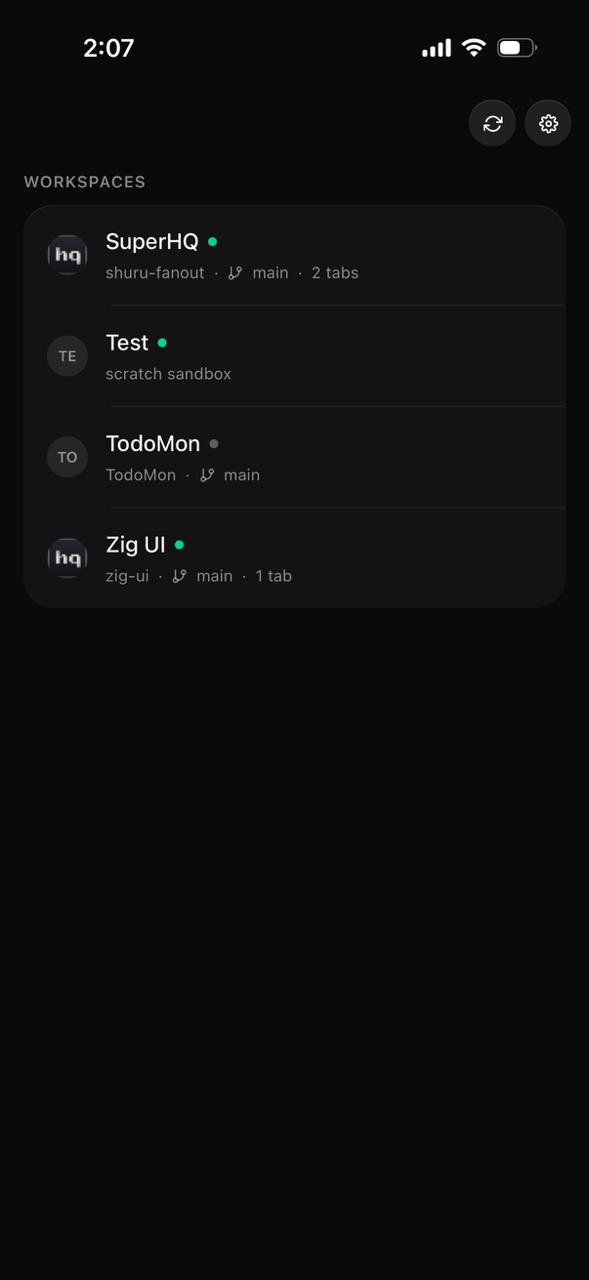
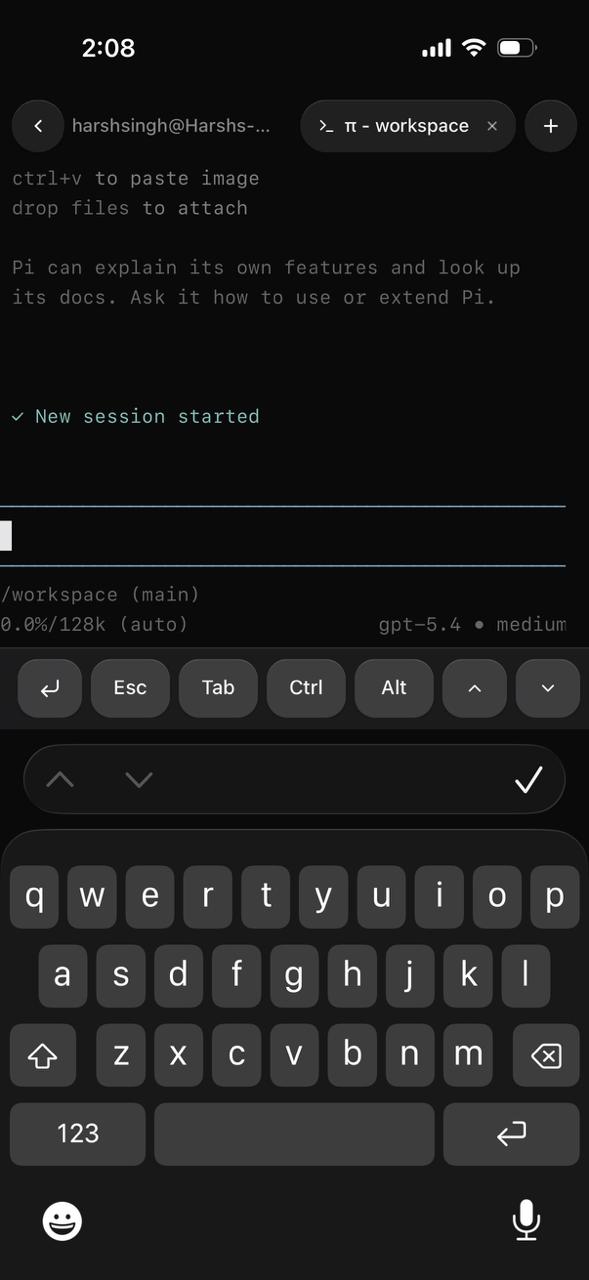
Scan the pairing QR on your Mac, open remote.superhq.ai on your phone, and every workspace travels with you. Review diffs, reply to agents, run commands. All from mobile.
On your phone
Everything you need
No app store, no install. Open the URL on any phone and your Mac's workspaces show up. Pair once, stay signed in.

From the community
Developers like it.
-
"this looks amazing"
-
"MicroVM + tmpfs overlay + diff approval is the right default for running coding agents on real repos. Would be great to also log tool calls and network egress per run for audit."
-
"the overlay tmpfs approach is clever. keeps the workspace clean while agents go wild."
-
"this is fire"